

TLDR: A successful office move in Queens NY requires early planning, a dedicated move coordinator, IT infrastructure preparation, and choosing commercial movers with local Queens experience. This guide covers every stage — from 3 months out to post-move setup — so your business minimizes downtime and gets back to work fast.
Table of Contents
Moving Companies Queens NY — Commercial Moving Experts
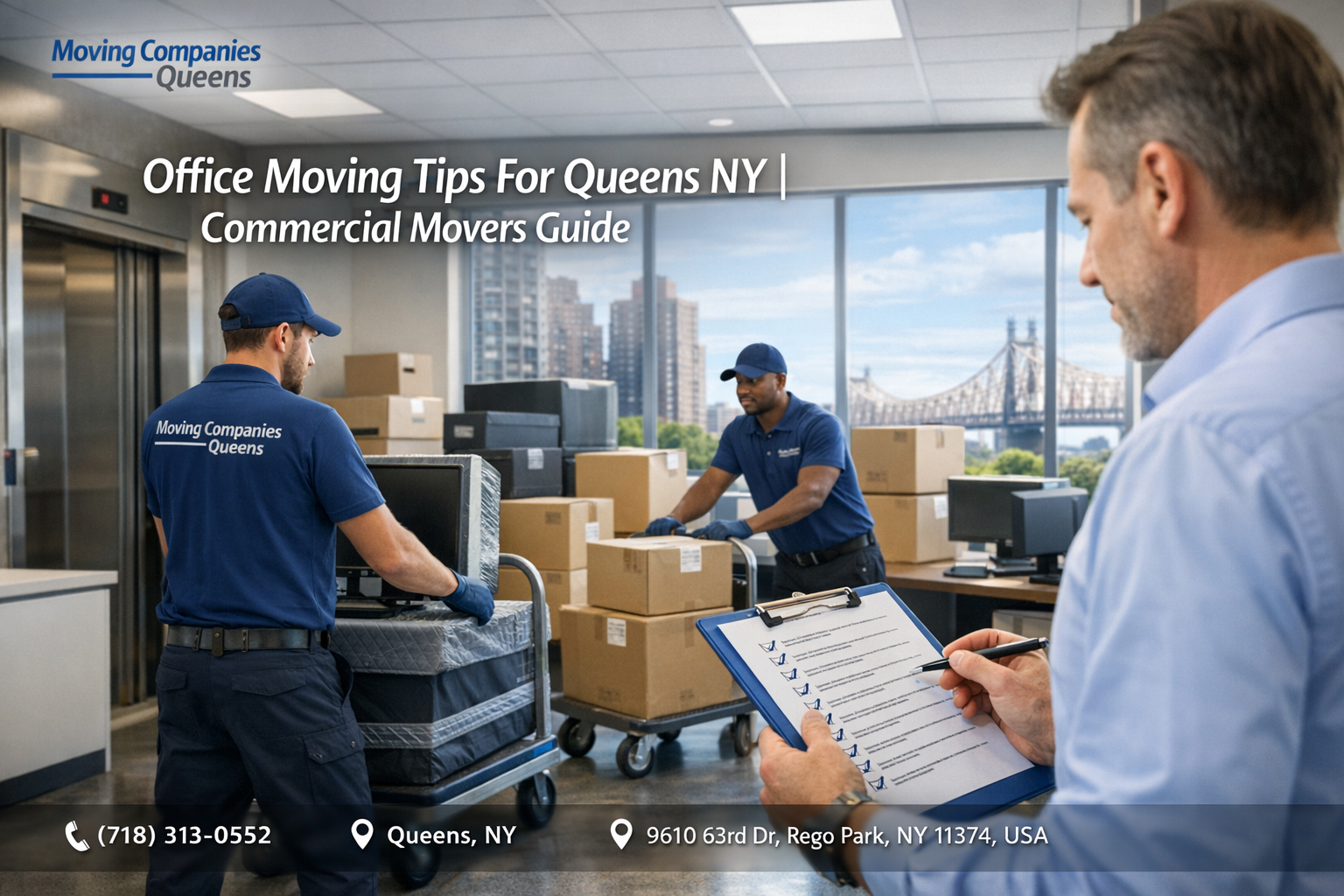
Office moves are more complex than residential relocations — they involve IT infrastructure, employee coordination, business continuity, and tight timelines. Our commercial movers in Queens NY have helped businesses of all sizes relocate without losing a day of productivity. Here’s the complete guide.
What Should You Do Before Office Relocation in Queens?
- Assign a dedicated internal move coordinator to manage communication between staff, building management, and the moving company.
- Audit all furniture, equipment, and inventory — decide what moves, what gets donated or sold, and what gets disposed of.
- Notify clients, vendors, and partners of your new address 4–6 weeks in advance.
- Update your Google Business Profile, website, and all online directories with the new address.
- Coordinate IT infrastructure migration — server room, cabling, internet service transfer.
- Obtain any required building permits or freight elevator reservations at both locations.
- Create a detailed office layout map for the new space so movers know exactly where everything goes.
How Do You Plan a Commercial Move in Queens Without Downtime?
The key to a low-downtime office move is phasing. Instead of moving everything in one day, experienced Queens moving companies recommend:
- Phase 1 (2–4 weeks before): Move non-essential storage, archived documents, and surplus furniture.
- Phase 2 (move weekend): Move furniture, workstations, and IT equipment — ideally over a Friday night/weekend to minimize business interruption.
- Phase 3 (first week after): IT setup and testing, unpacking and organizing, employee orientation in the new space.
How Much Does a Commercial Move in Queens Cost?
Commercial moving costs in Queens vary based on office size, distance, complexity, and timing. Small office moves (10–20 employees) typically run $2,000–$6,000. Mid-size offices (50+ employees) range from $8,000–$20,000+. Factors that increase cost include: after-hours or weekend moves, high-rise buildings with limited freight access, and specialized IT or server room equipment. Always request a detailed written quote.
Should You Move Your Office After Hours in Queens?
For most Queens businesses, after-hours or weekend moves are the smart choice. Moving outside business hours minimizes client disruption, keeps employee downtime low, reduces building congestion, and often allows full access to freight elevators that are restricted during business hours. Many commercial moving companies offer evening and weekend scheduling specifically for this reason.
How Do You Handle IT Equipment During an Office Move?
IT equipment requires special handling. Work with your IT department or managed service provider to: back up all data before the move, properly shut down and label all servers, computers, and network equipment, use anti-static packing materials for sensitive electronics, and coordinate with your internet provider for service transfer or new installation at the new location. Have IT staff or your MSP present on move day to manage the technical handoff.
What Documents and Notifications Should I Handle Before an Office Move?
- File USPS Change of Address for all business mail.
- Update your lease, business license, and certificates of insurance.
- Notify all vendors, suppliers, and delivery services.
- Update your bank account records and any state/federal business registrations.
- Update your Google Business Profile, website footer, and all online directories immediately after moving.